For NZ businesses, churches & organisations
Take orders from the table. Take payments. Take bookings.
They scan a QR or tap a link. They pay by bank or by card on their phone — no app to download. Money lands in your account.
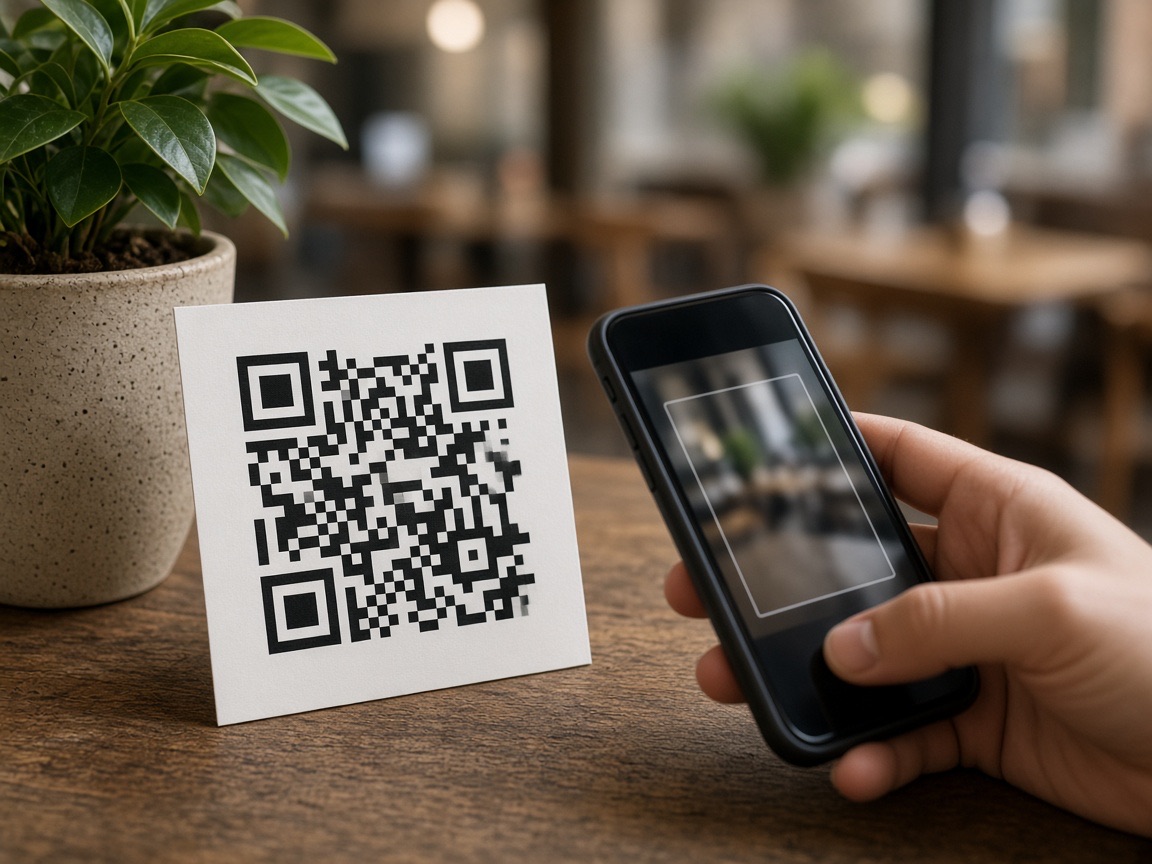
They scan a QR or tap a link — you get paid
How we help you get paid
Any NZ business can take payment with a QR or a link.
Churches, cafés, events, clubs, and stalls use the same path: share a QR or a link, they pay by bank or by card, money lands in your account.
You share a QR or a link
Print a QR and put it anywhere — counter, table, screen, or noticeboard. Or copy a payment link and send it by text, WhatsApp, or email.
They pay by bank or by card
They scan or tap the link on their phone. No app to download, no account needed. Pay by Bank from an NZ bank account, or Pay by Card — cards, Apple Pay, and Google Pay.
Money lands in your account
Pay by Bank goes to your NZ bank. Pay by Card goes to your card account. Confirmed payments appear in your workspace straight away.
Payment options
Pay as-is
They pay how they already pay
Pay by Bank — NZ only
From their NZ bank
Pay by Card
Cards, Apple Pay, and Google Pay
A percentage of what they pay. See plans.
Tools on top of payments
Ordering and bookings on the same software.
On top of payments: restaurant ordering and a kitchen screen, event tickets and booking passes. Use one, two, or all three.
Take Payments
Print a QR or send a link — they pay by bank or by card, money lands in your account. Set the amount yourself or let them type it. No terminal needed.
Churches · Businesses · Community groups · Events
See how it works →Take Orders
QR table ordering and a live kitchen screen. Guests scan at the table, order on their phone, ticket lands on the kitchen display. Keep your card machine, or add Pay by Bank or Pay by Card.
Restaurants & cafés
See how it works →Take Bookings
Sell event tickets and booking passes. Attendees pay by bank or by card and get a digital pass with a QR code. Check them in at the door from your phone.
Conferences · Events · Churches
See how it works →Not a delivery app, a till replacement, or a loyalty platform. Pay by Bank is for NZ bank accounts. Pay by Card covers cards, Apple Pay, and Google Pay.
Pricing
Plans that grow with your business.
Payment software for NZ businesses, churches, and organisations. Kitchen tickets and QR included.
60-day free trial